Basics
Is it safe to put your Pix key in your bio? What supporters see
Even with a random key, anyone who sends you a Pix sees your full name and part of your CPF. Which key to use and how to refund a Pix safely.
By The Pennygood team · Oct 2026 · 5 min read
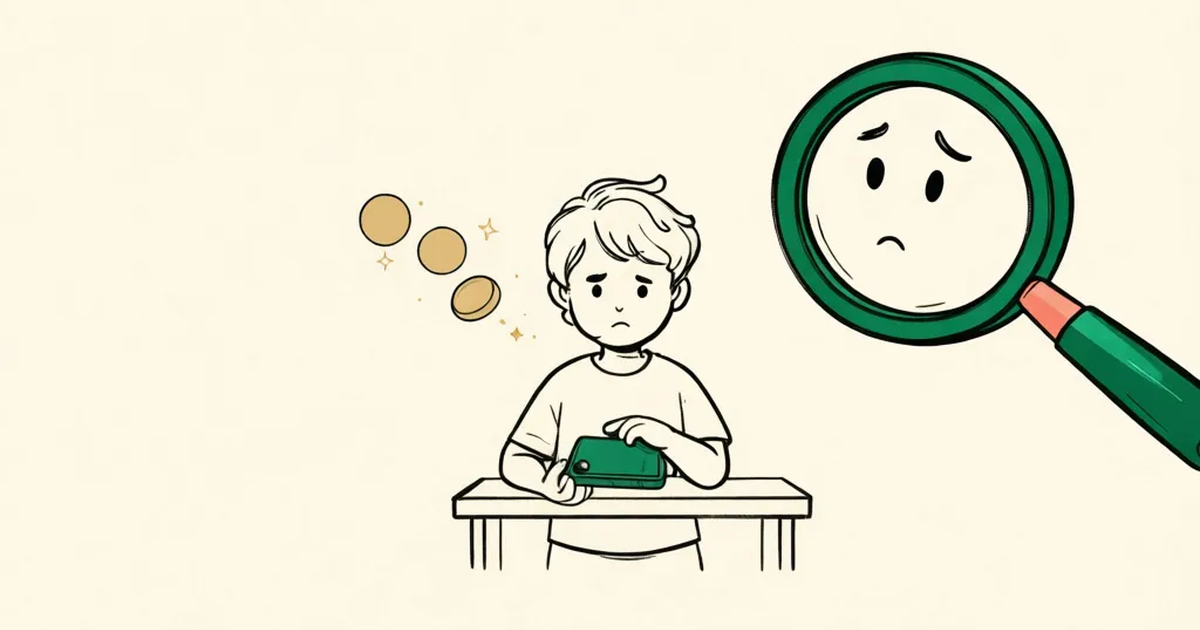
You live in Brazil, you do something useful, and you want to put your Pix key in your bio so people who value your work can send a little support. Then the doubt kicks in: is that safe? Yes, you can do it. But a random key doesn't make you anonymous, and the bigger risk isn't someone taking money out of your account. It's someone using your key to send money in.
The reassuring part first: nobody can withdraw anything with a Pix key. It only receives. What changes between key types is what you hand over along with it.
What does someone see when they type in your key?
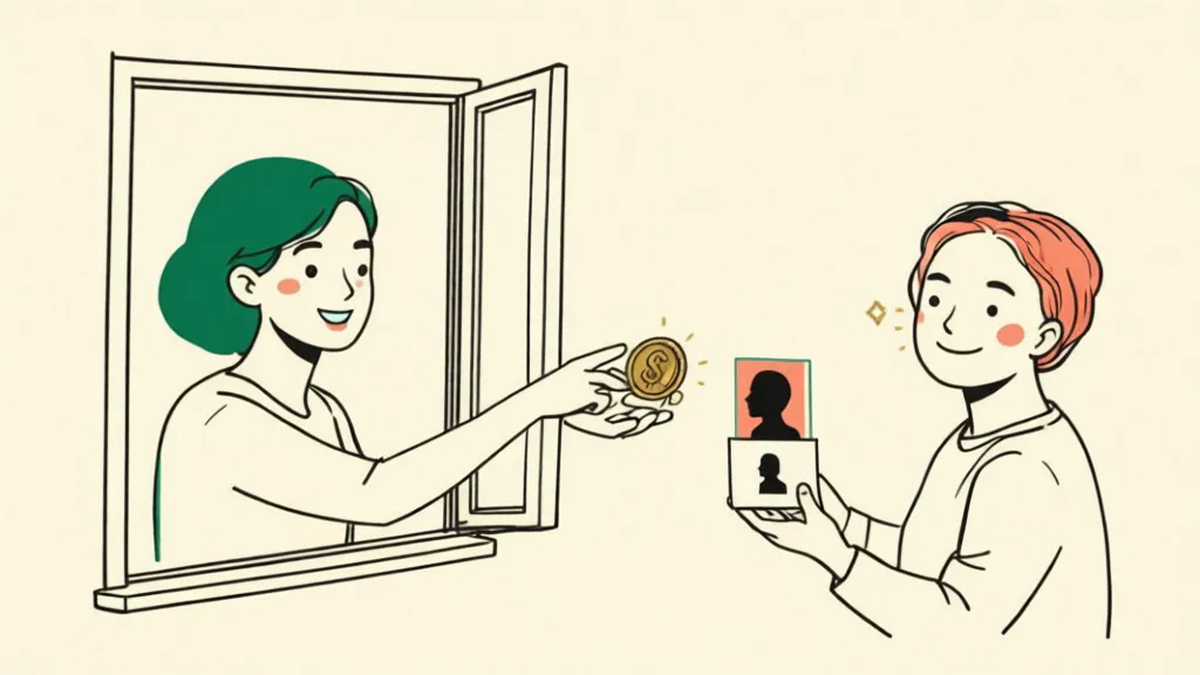
Brazil's Central Bank requires every banking app to show, before the payer confirms, the recipient's full name and a masked CPF, formatted like ***.777.888-**. It's in the Pix Minimum Requirements for User Experience manual (version 7.3), and it applies to every key type, random keys included. The receipt also carries your name and your bank's name.
In other words: a random key hides your phone number and email, not your name. If you work under a nickname or a creative name, every supporter will see the name on your bank account and six middle digits of your CPF. Plenty of guides call this an "anonymous Pix." It isn't.
So which key should go in your bio?
- CPF: no. It becomes a permanent public data point attached to your name.
- Phone number: no again. According to Febraban, Brazil's banking federation, the "wrong Pix" scam starts with phone numbers found on social media and used as keys.
- Email: only if it's an address created just for this.
- Random key: the best of the four. An individual can hold up to five keys per account (DICT Operating Manual), and you can delete one and generate another in your banking app whenever you like.
In practice: create a random key just for your bio. If it starts attracting trouble, delete it and make a new one, without touching the key your family and friends already use.
The scam aimed at people who post their key
Febraban describes it like this: someone sends you money, then gets in touch saying it was a mistake and asks for it back, but to a different key, with some excuse about the original account. You return it in good faith. Then the scammer files a MED claim saying they were defrauded, and the bank sees a textbook fraud pattern with you in the middle.
MED is the Central Bank's mechanism for returning money lost to fraud, and its official guide shows why this hurts. When the notice arrives, your bank freezes the amount in your account immediately. If your balance is smaller, it freezes the whole balance, and anything that comes in afterward is held too until the amount is covered. The bank then has up to 7 calendar days to review.
The defense is simple: never refund by typing in a key someone sent you. Open the incoming Pix in your statement and use the Refund (Devolver) button. It always sends the money back to the account it came from, and it works for up to 90 days after the transaction.
What about one-cent Pix transfers with a message?
You're not imagining it. In its Pix Management Report 2023–2025, published in August 2026, the Central Bank itself acknowledges that the message field has been used for offensive, intimidating or threatening messages, often attached to transfers of a trivial amount. It set up a working group in the Pix Forum, but no rule is in force yet.
Until then, here's what you control: delete the key that's being used this way and generate a new one. The old one stops receiving. Keep the receipts; they show the sender's name and part of their CPF and can back up a police report (boletim de ocorrência).
What if I don't want my name on every receipt?
You have three routes, each with a cost:
- A support or crowdfunding platform: the Pix goes to the platform, not to you. Vakinha says it generates a dedicated key per campaign; APOIA.se charges 13% on ongoing support.
- Registering as an MEI: with a CNPJ, the receipt shows your trade name, if you have one. But the monthly DAS for services is R$ 86.05 in 2026, which doesn't pay off when support is small.
- A card payment link, which exposes no key at all.
Pennygood works the last way: support is charged by card through Stripe, and you share only a link, with no key of yours in the bio. The honest trade-off is that supporters pay in US dollars, so Brazilian cards add IOF. If everyone who supports you is in Brazil, a Pix to a random key is cheaper for them.
The short version: a random key just for your bio, refunds only through the Refund button, and the knowledge that your name travels with every payment. With that, a Pix key in your bio is an informed choice, not a scare.